How to set a reminder on Android: 5 easy ways, and what to do when it doesn't go off
Set a reminder on your Android phone with Gemini, Google Tasks, Keep, Samsung's Reminder app or by voice in a notes app, and fix reminders that don't go off.
Quick answer: ask Gemini "Remind me tomorrow at 9 to call the dentist". The reminder is saved in Google Tasks, and the alert comes from the Google Tasks or Google Calendar app, so keep one of them installed. To type it instead, open Google Tasks, tap the plus button, add a date and a time, and save.
Setting a reminder on Android got a little confusing in the past year. Google Assistant has been replaced by Gemini on Android phones, and Google Keep reminders were moved into Google Tasks. The old ways still mostly work, but the alerts now come from different apps. These five ways work today, and the last section covers what to check when a reminder stays silent.
1. Ask Gemini (by voice)
Google started removing Google Assistant from Android phones on 4 September 2026, and Gemini took over. You can still say "Hey Google" or hold the power button, then ask:
- "Remind me on Friday at 6 pm to pick up the dry cleaning."
- "Remind me tomorrow at 8 to take the bins out."
Gemini saves the reminder in Google Tasks. If it asks to connect Google Tasks the first time, allow it. You can also ask "What reminders do I have this week?" to see them.
You get the alert only if the Google Tasks app or the Google Calendar app is installed and allowed to send notifications. If neither is there, the reminder exists but nothing pings you.
2. Type it into Google Tasks
- Open Google Tasks (install it from Google Play if it isn't on your phone).
- Tap the plus button and type what you need to do.
- Tap the date icon, choose the day and set a time.
- Save. The reminder also shows up in Google Calendar.
Google Tasks can repeat a reminder daily, weekly or monthly, which is handy for bills and medicines.
3. Add a reminder to a note in Google Keep
Open the note, tap the bell icon and choose a date and time. Since late 2025 Keep saves these reminders as tasks in Google Tasks, so the alert comes from Tasks or Calendar, the same as with Gemini. Location reminders ("remind me when I get home") are no longer available in Keep; older ones were kept as text in the task's description.
4. Use Samsung's Reminder app (Galaxy phones)
On a Samsung phone, open the Reminder app and tap the plus button. You can also long-press a day in Samsung Calendar, or share a web page or photo from any app to Reminder to get reminded about it later. Bixby can set reminders by voice too, but it needs a Samsung account and an internet connection.
5. Say it to a notes app that has reminders built in
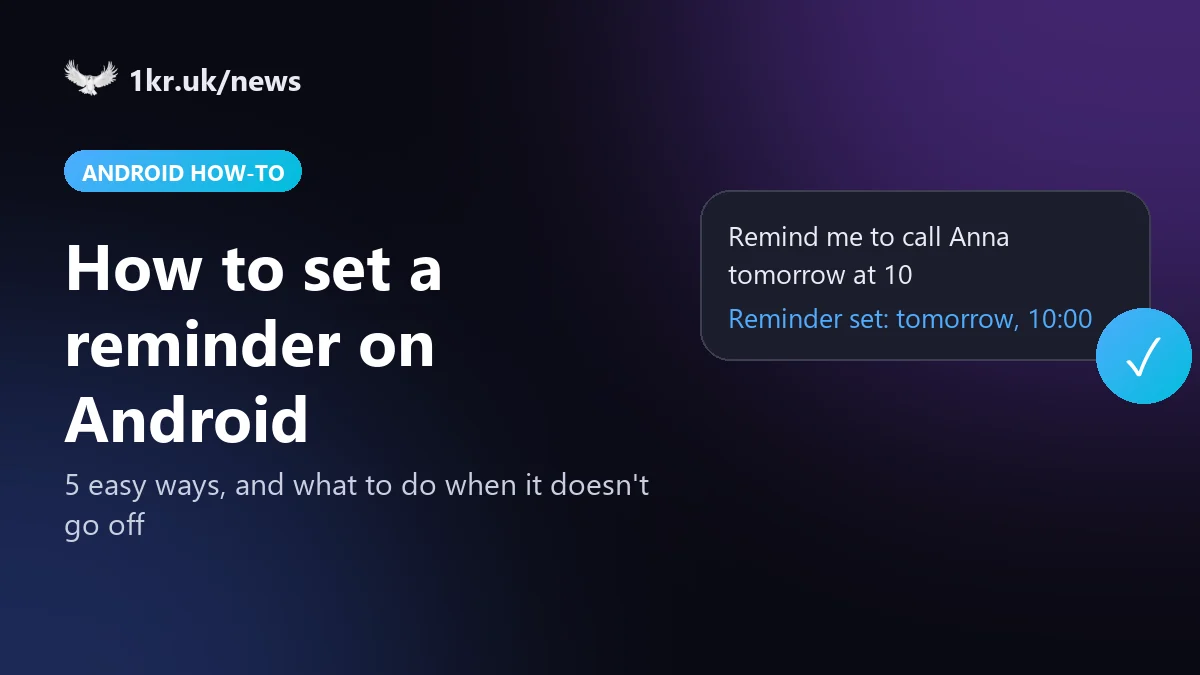
If your reminders usually belong to something you've written down (a phone number to call back, a photo of a parking ticket, a shopping list), it helps to keep the note and the reminder together. 1krNote does that: type a to-do and pick a date and time, or ask its voice assistant "Remind me to call Anna tomorrow at 10" and it creates the note with the reminder. Later you can ask "When is my car service?" and it finds the note even if you don't remember the exact words.
Reminders in 1krNote are set again automatically after the phone restarts. The voice assistant needs a 1kr account with the AI features; typing reminders works without it.
Reminder didn't go off? Check these settings
Most "silent" reminders come from one of these settings, whichever app you use. The menu names differ a little between phones, so the search box at the top of Settings is the quickest way to find them.
- Notifications. Since Android 13 every app has to ask before it can show notifications. Open the app's page in Settings and check that notifications are on, including the category for reminders.
- Alarms & reminders. Apps need this special access to ring at an exact minute. Search Settings for "Alarms & reminders" and allow it for your reminder app. Without it, Android may deliver the reminder a few minutes late.
- Battery. Battery savers, especially on Samsung, Xiaomi and OnePlus phones, can stop apps in the background. On the app's page in Settings, open Battery and choose Unrestricted.
- Do Not Disturb. If Do Not Disturb is on, allow alarms or that app as an exception.
- Google Keep and Gemini reminders. Install Google Tasks or Google Calendar and allow their notifications, because Keep and Gemini don't send the alerts themselves.
Questions people ask
Can I set a reminder without installing anything?
Yes. Most phones come with Gemini or Google Assistant, Google Calendar, and a Clock app. A Clock alarm with a label ("Call the bank") works as a simple reminder for today or tomorrow.
Can Android remind me when I arrive somewhere?
Not with Google Keep or Google Tasks any more: Keep's location reminders ended with the move to Tasks.
Do reminders survive a restart?
Reminders in Google Tasks and Calendar are stored in your Google account, so they do. Other apps have to set their reminders again after a restart; 1krNote does this automatically.
Sources
- Gemini Apps Help: capture your tasks and reminders
- Google Home Help: set and manage Google Tasks with your voice assistant
- Google Tasks Help: Google Keep reminders move to Google Tasks
- Google Keep Help: set up reminders for your notes
- Tom's Guide: Google Assistant dies in September, how to switch to Gemini
- Android Authority: Samsung Reminder tips and tricks
- Android Developers: schedule alarms (Alarms & reminders access)